
Extensions and extension points
An extension contains the actions needed to support a type of external functionality, such as verifying data or writing files to cloud storage. Extensions can be defined in the app manifest or through the form-based experience.
Define an extension in the app manifest
In the app manifest, an extension is defined as a JSON object. Each extension has an extension contract (set by the extension object’s template property) that identifies its type, the required actions, and the optional capabilities that you implement to use it. See Extension schema for a list of supported template values and details about extension properties.
Note: The action names in the extension’s actionReferences object must match the names in the actions objects.
Example extension implementation:
Define an extension using a form
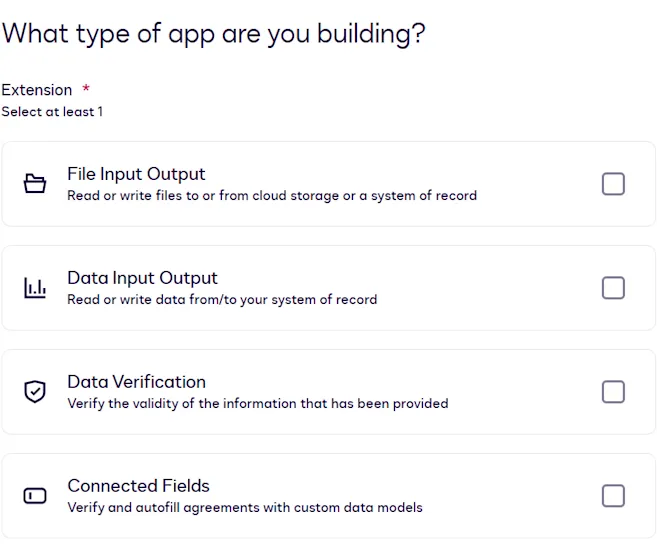
Extensions can also be added to extension apps using a form. When you register an extension app using a form, you will be prompted to choose the extensions that you want to include. See Supported extensions for descriptions of each type, their extension points, and links to more information.
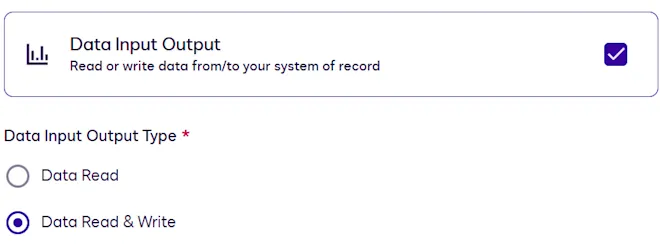
If you select Data Input Output, you have the option to select whether the extension app will only read data from a system of record or whether it will both read from and write to the system of record.
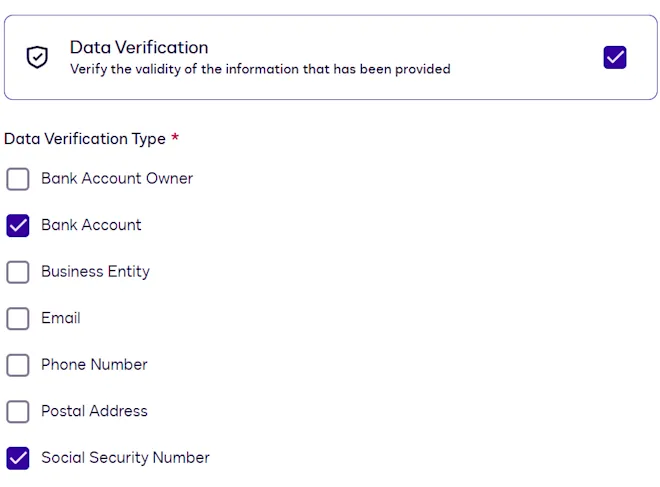
If you select Data Verification, you can select the type of data the extension app will verify.
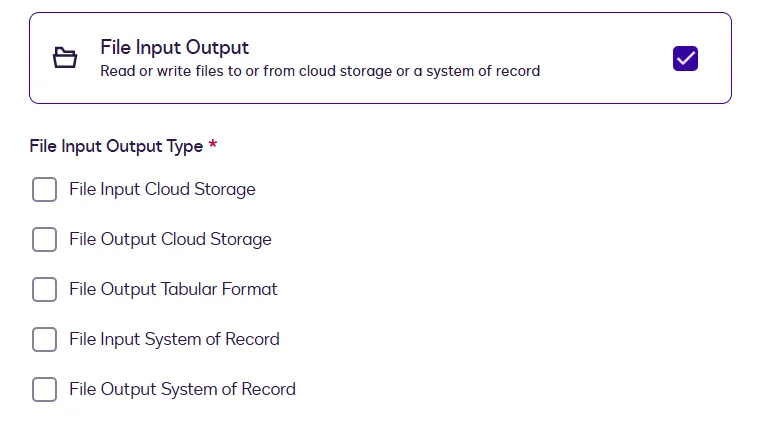
If you select File Input Output, you must make an additional selection.
Extensions can also be updated at the extension app’s integration details page.
Extension points
An extension point is a location in the Docusign UI or a stage in a Docusign agreement process where an extension app can be invoked. eSignature envelopes, Agreement Builder workflows, Agreement Manager, and the Add Fields page in the prepare process are all extension points. For example, a file output cloud storage extension can be triggered to write a file generated during a Agreement Builder workflow to an external cloud storage system.
Next steps
- Learn more about connections.
- Review the characteristics of actions and capabilities.
- See sample app manifest files for different extensions.
- Get an overview of the Developer Console.