
App Center
The Docusign App Center is a site where you can publish your extension apps and make them available for Docusign users to find, install, and use.
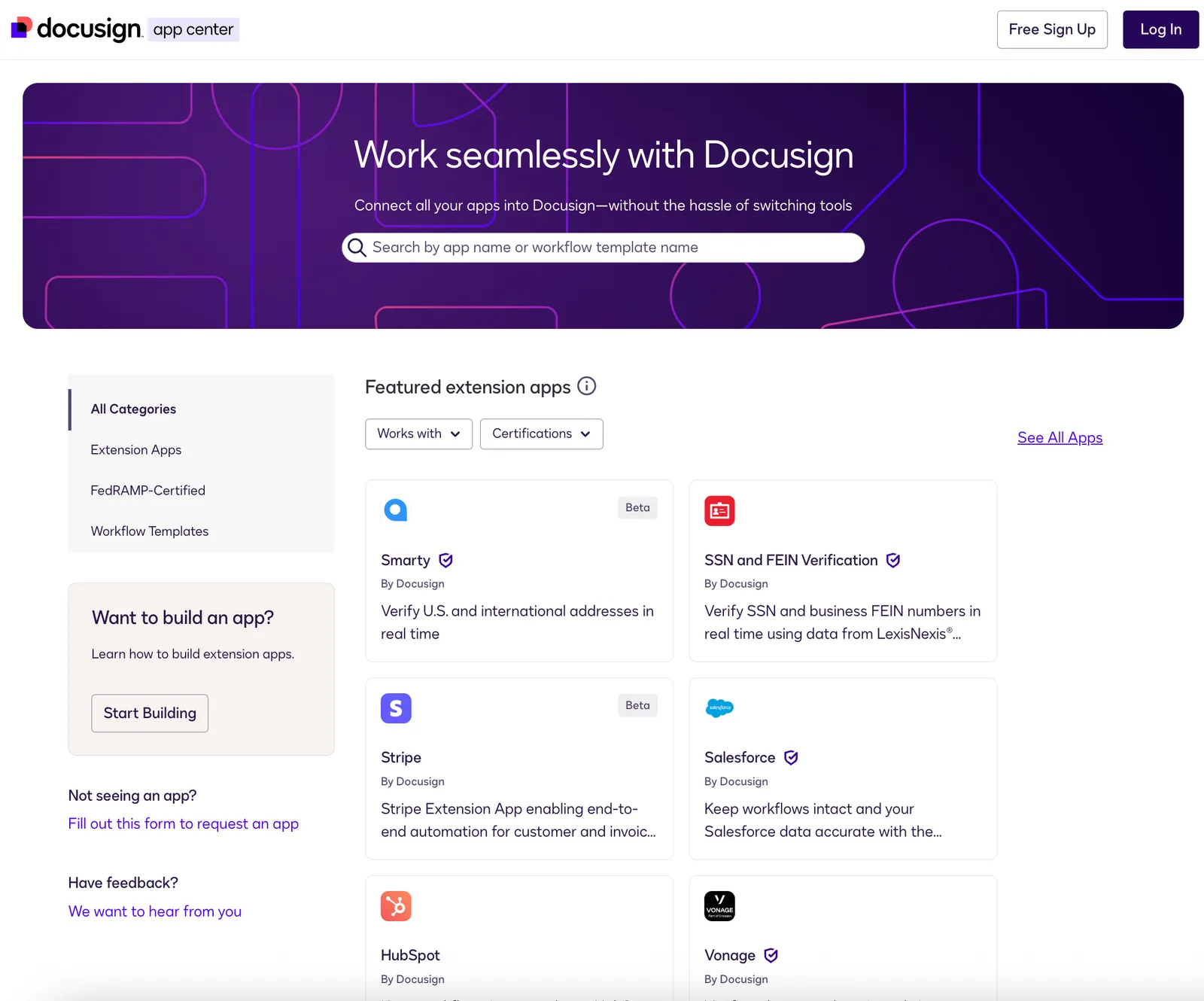
When you create a new extension app in the Developer Console, only the members of your developer account will be able to see and use it. If you want to share your extension app with Docusign customers outside your organization, you can publish your extension app to the Docusign App Center after it passes our review process. By default, published extension apps are available in production to US customers only. If you want to make your extension app available in additional regions, you can specify them when you register the extension app. See Implement regional availability for an extension app for details.
Publishing Public and Private extension apps
Extension apps can be built as either Public or Private.
- Public extension apps are available for all App Center users to find, view, and purchase.
- Private extension apps are built specifically only for your own internal accounts. When you publish your private extension app, you supply an allowlist of account IDs that may find, view, and download it.
To publish an extension app to the App Center:
Public extension app
Private extension app
- Make sure your extension app meets our App Center publishing guidelines.
- Complete the app submission form. Work with our app review team to address feedback.
- Once it’s approved, publish the app to the App Center. If you published a different version of the app previously, the new version will replace the previous one on the App Center. See Extension app versioning for more information.
See Publish an extension app for detailed steps on how to publish your extension app, and App Center publishing guidelines for details on the review considerations and requirements.
Next steps
- Learn about Extension app best practices.
- Visit the Docusign App Center.
- See Publish an extension app for detailed steps on how to publish your extension app, and App Center publishing guidelines for details on the review considerations and requirements.
- View a dashboard that displays extension app usage data.
- Retrieve logs of extension app installations and other activity.