Delete an extension app
An extension app version can only be deleted when it’s in Draft status. You cannot delete a version that’s going through Docusign review for publication to the App Center—indicated by a status of In Review, Approved, or Rejected. To delete an extension app version in one of these statuses, you must first cancel your request to publish it from the Publish to App Center page in the Developer Console. See Publish an extension app for details.
Note: You cannot delete an extension app if its status is Live, which means that it’s been published for use by any Docusign App Center user. For assistance with deleting a live extension app, please visit the Docusign Developer Community for information and assistance.
Deleting drafts of unpublished and published extension apps
The procedure for deleting a draft varies depending on whether or not the app has ever been published.
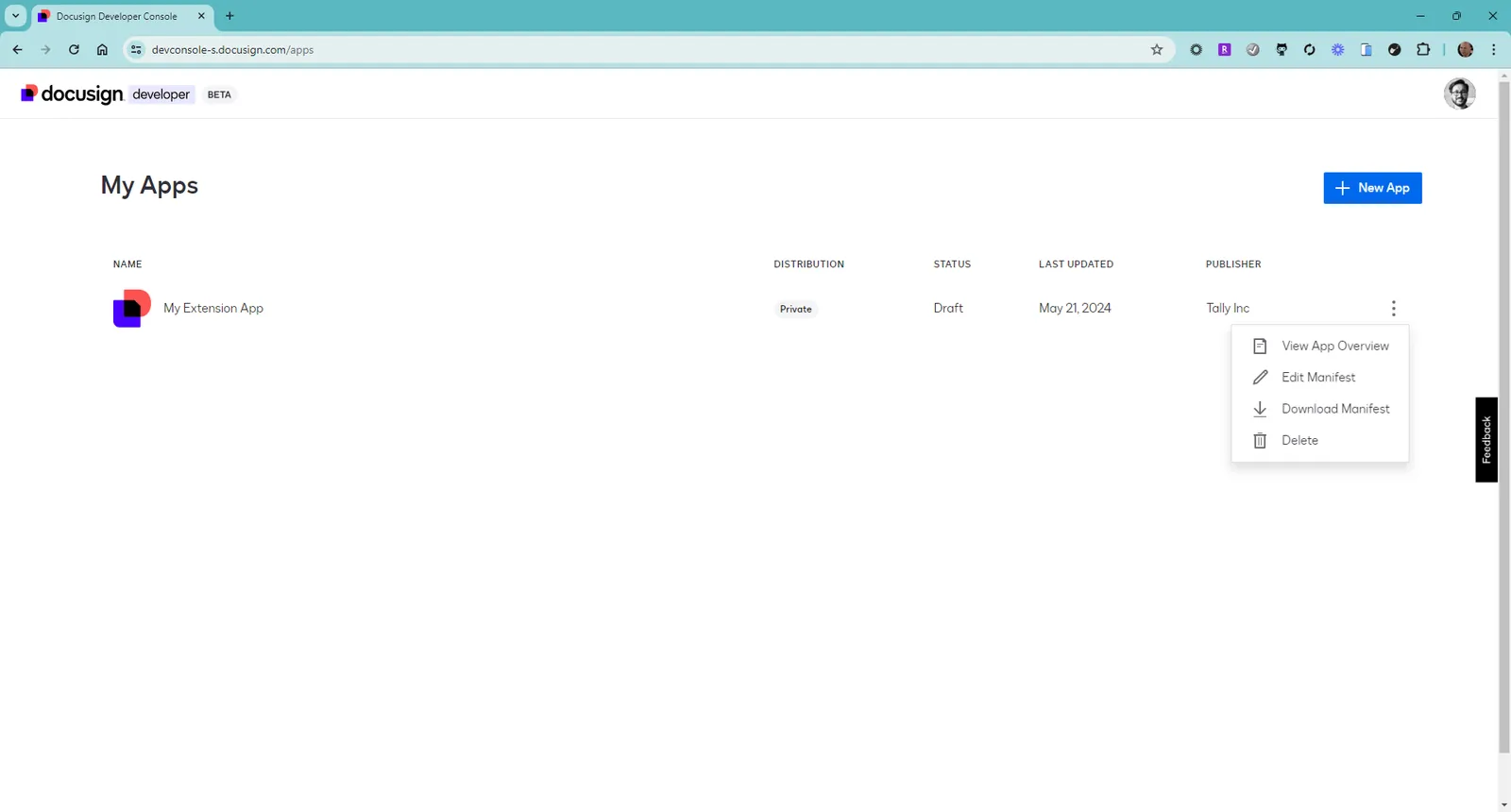
For an app that has never been published:
- Open My Apps in the Developer Console.
- Select the kebab menu for the extension app, and then select Delete.
- In the confirmation dialog box, choose Delete.
For an app that has been published, you cannot delete the Live version, and you can only delete the most recent draft.
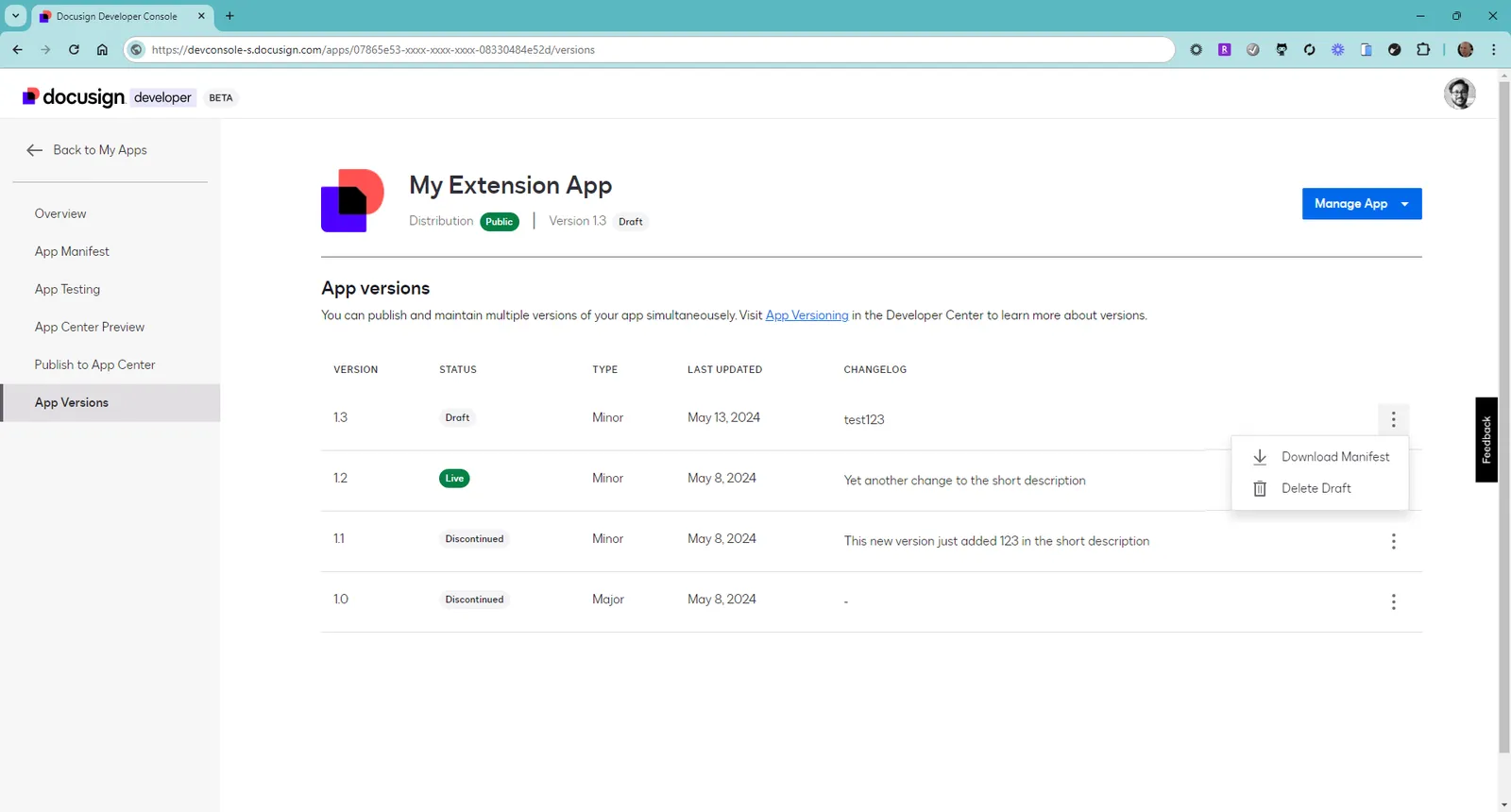
To delete the most recent draft version of a publish app:
- Open My Apps in the Developer Console.
- Select the relevant app from the list of apps.
- Select App Versions from the left nav menu.
- If you have a Draft version of the app, you can select Delete Draft.
- In the confirmation dialog box, choose Delete.