
Skip to navigation

Use a form to update a registration

View as Markdown

This procedure explains how to update an extension app registration using a form. You also have the option of updating a registration by editing the app manifest file. See Form-based and app manifest method comparison for details about the two methods.

See Extension app statuses that affect updates for details about steps you may need to take before you can update an extension app registration.

To update an extension app registration using a form:

  1. Log in to the Developer Console.

  2. Select the extension app in the list. The Overview page is displayed.
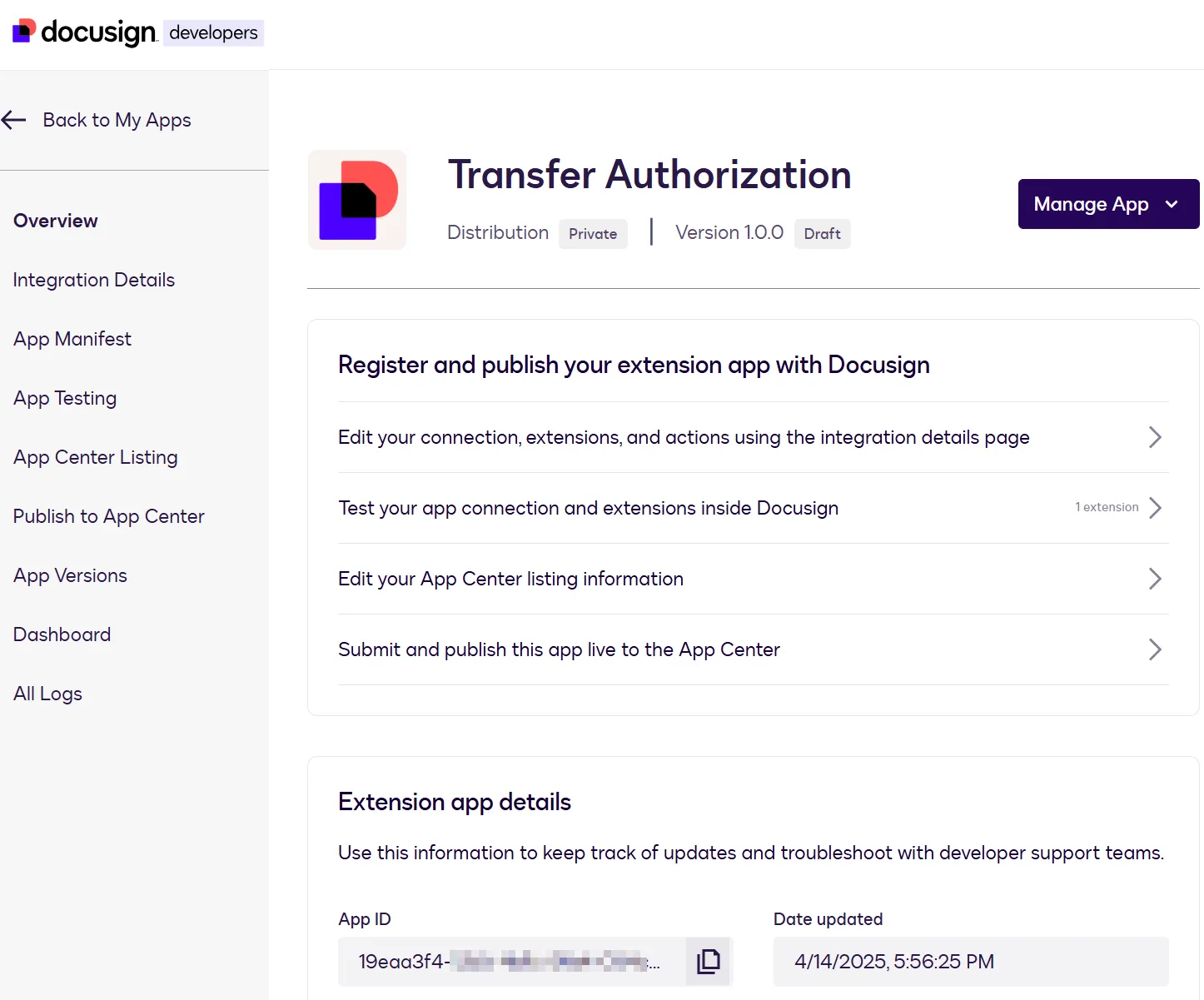
    Overview page

  3. See the table below for the next steps to take, depending on the type of update you want to make.

If you want to updateSelect this option from the left navSee this procedure for details about the settings
The extension app name and short and long descriptionsApp Center ListingUpdate basic information
The publisher name, website, and support informationApp Center ListingUpdate publisher details and contact information
Screenshots that appear in the extension app listingApp Center ListingManage screenshots
The icon that appears wherever the extension app is listed in the Developer Console, App Center, and Workflow BuilderApp Center ListingUpdate app icon
The changelog that appears in the extension app listing for a new version of an extension appApp Center ListingUpdate changelog
Settings that enable an extension app to obtain authorization from the external API service or identity providerIntegration DetailsUpdate connection settings
Settings that the Docusign platform uses to send requests to external API endpointsIntegration DetailsUpdate extension and action settings
Settings that determine which extensions the extension app implementsIntegration DetailsAdd an extension or Delete an extension

Next steps