Connections
A connection is the part of an extension app that defines the parameters required to access an external platform’s APIs. Typically, this will contain authorization data for the account that will make the API calls on that platform. To extend your workflow to multiple external platforms, you can register and apply multiple extension apps, one for each platform.
Define a connection in the extension app manifest
This JSON snippet demonstrates how to define a connection in an app manifest file. See Connection schema for more details.
Define a connection using a form
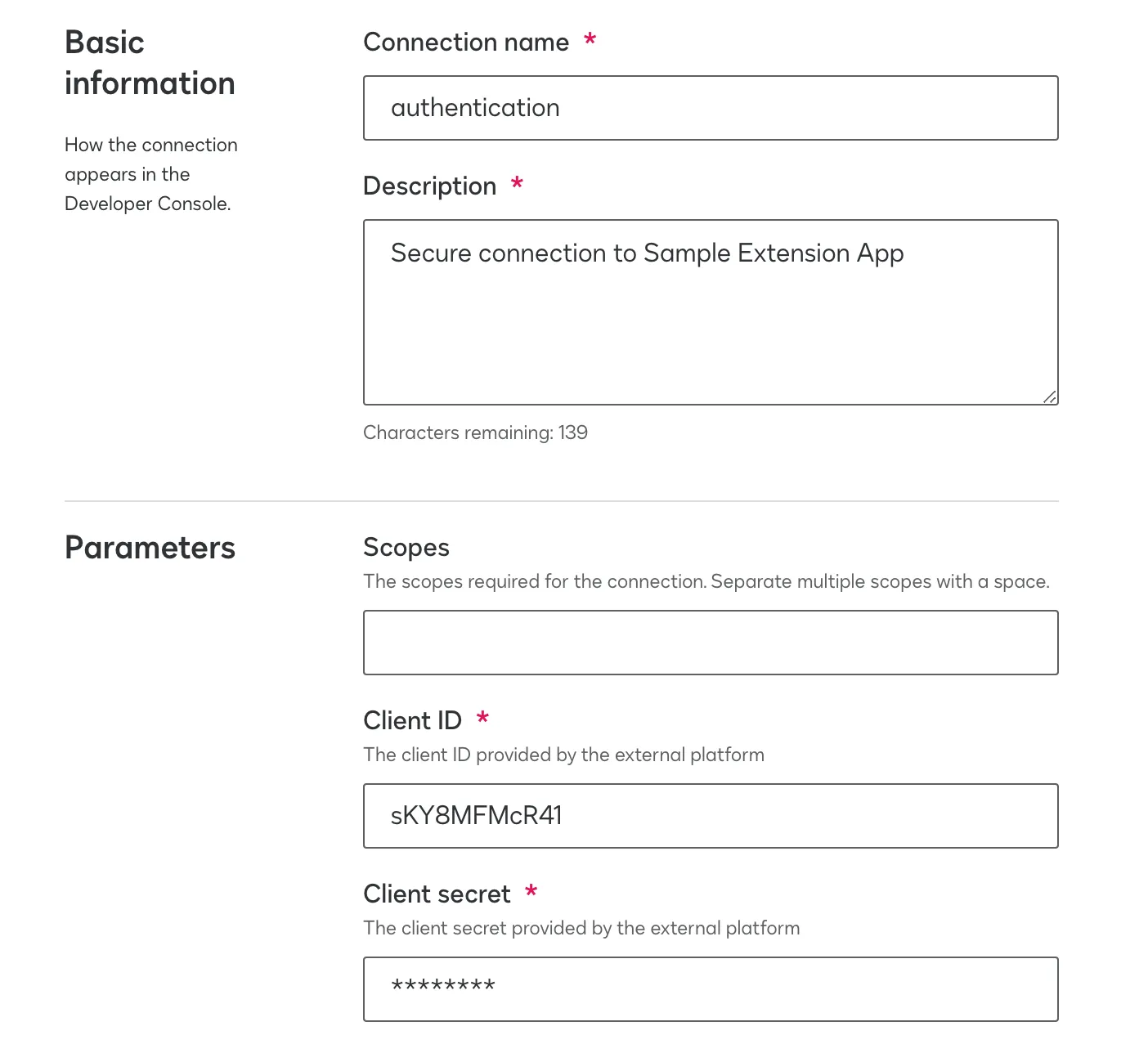
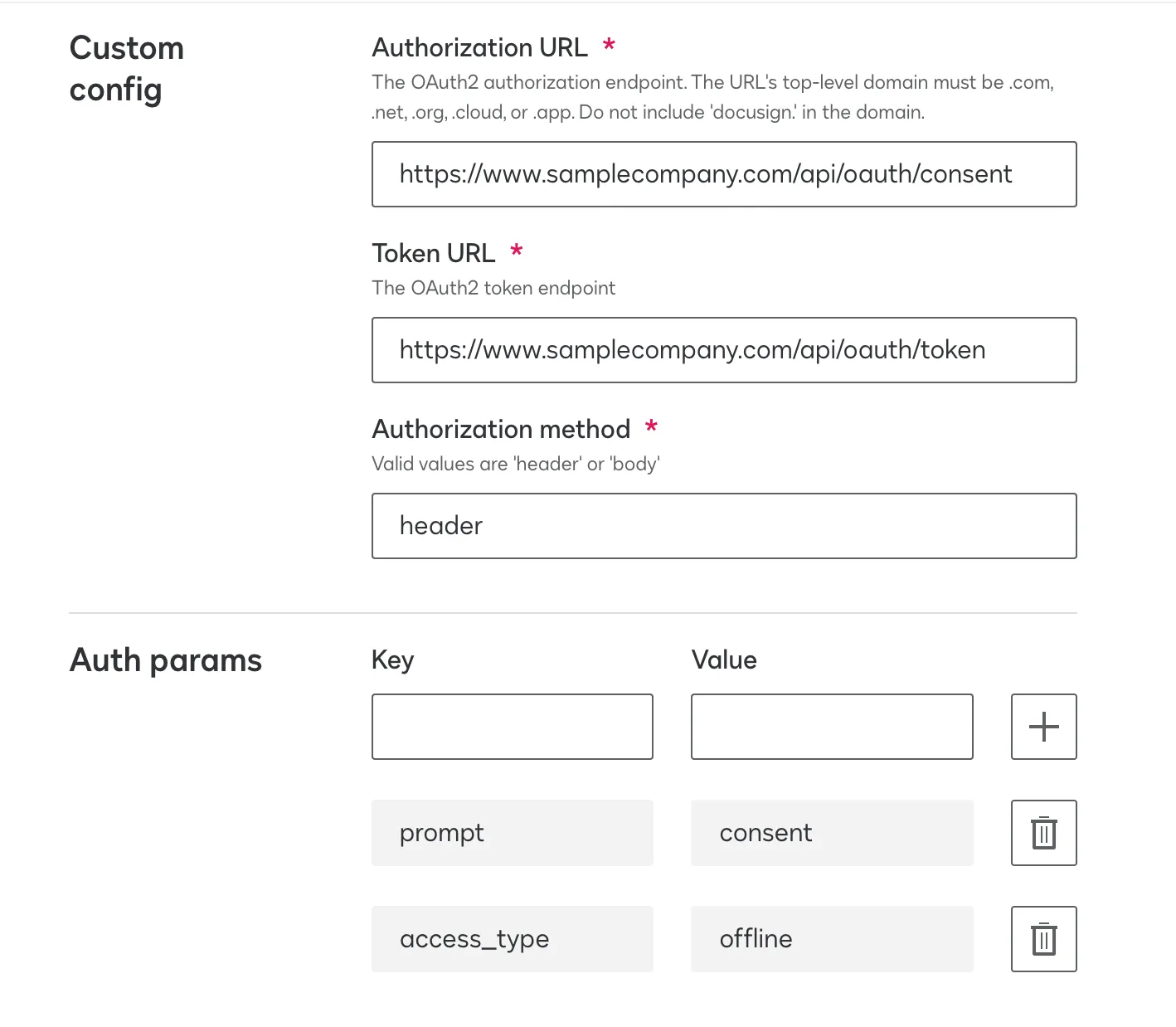
You can also define a connection using a form. After you have used a form to register your extension app, you can update the connection settings on the extension app’s integration details page.
Use the form to give the connection a unique name and configure the parameters required for authorization with the external platform including scopes, the OAuth2 endpoint, the client ID and secret, and any authorization query parameters. See Update connection settings for more details on how to configure these values.