How to brand the signing experience
This topic demonstrates how to brand the user’s signing experience.
Step 1. Log in to Docusign
To make the API call shown in this how-to, you must be logged in to Docusign.
See How to log in to Docusign from your app for details.
Step 2. Configure appearance
Use the method shown to configure the appearance of the signing experience.
Step 3. Brand the signing experience
Next, use the configuration you created in the previous step to brand the signing experience.
Expected response
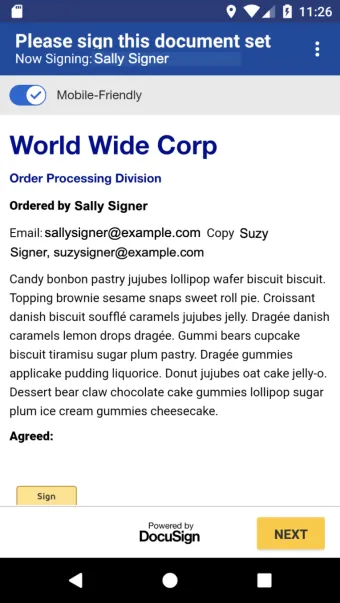
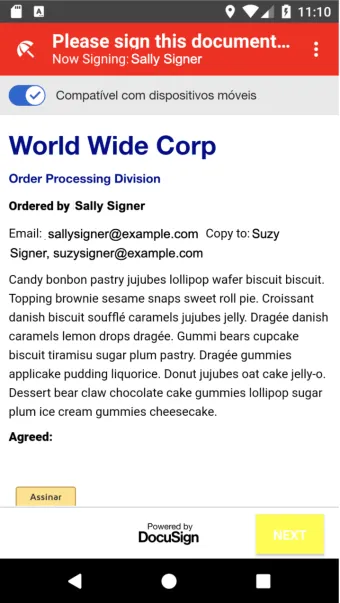
After running the example, your custom branding will be applied to future signing sessions. The following screenshots show examples of unbranded (left) and branded (right) signing sessions.